
Kaiswise, a cost-splitting app that feels like ours.
A tiny app for two people, prototyped with Claude and redesigned until it felt like ours.
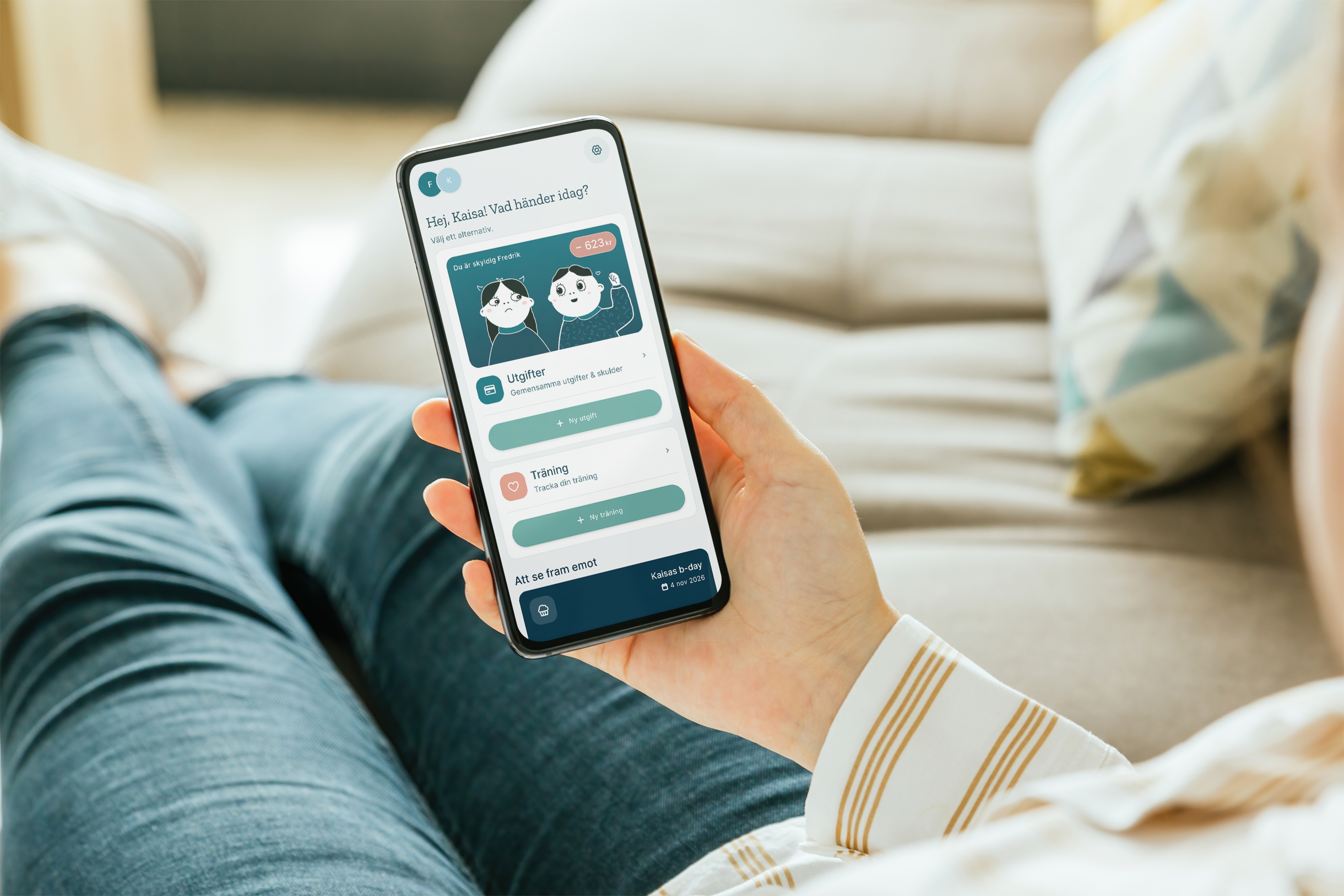
What if a cost-splitting app was built for exactly two people?
For years we used Steven, a simple app that did one thing well. Then development stopped, syncing failed, and we couldn't trust the numbers anymore. Splitwise was built for groups and events, not a household that shares costs every day. Adding an expense took too many taps, the free tier limited daily entries, and it felt like using someone else's tool.
After months of frustration, Fredrik said it out loud: "We should just build this ourselves." With Claude writing working code, we could make exactly the app we wanted, and keep shaping it at our own pace.
"From 'there's an app for that' to 'there's an app for me.'"Google Play blog, October 2026.
Ours.
No market, no personas, no growth plan. Just two users, our own needs and an app that should feel personal instead of generic.
Scope it at the kitchen table
We listed what the app had to do, straight from our frustrations: add an expense with amount, description, date and a 50/50 or custom split, see who owes whom, settle up, browse past expenses and see weekly, monthly and all-time spending. Then I sketched the flow so we agreed on the structure before anything was built.
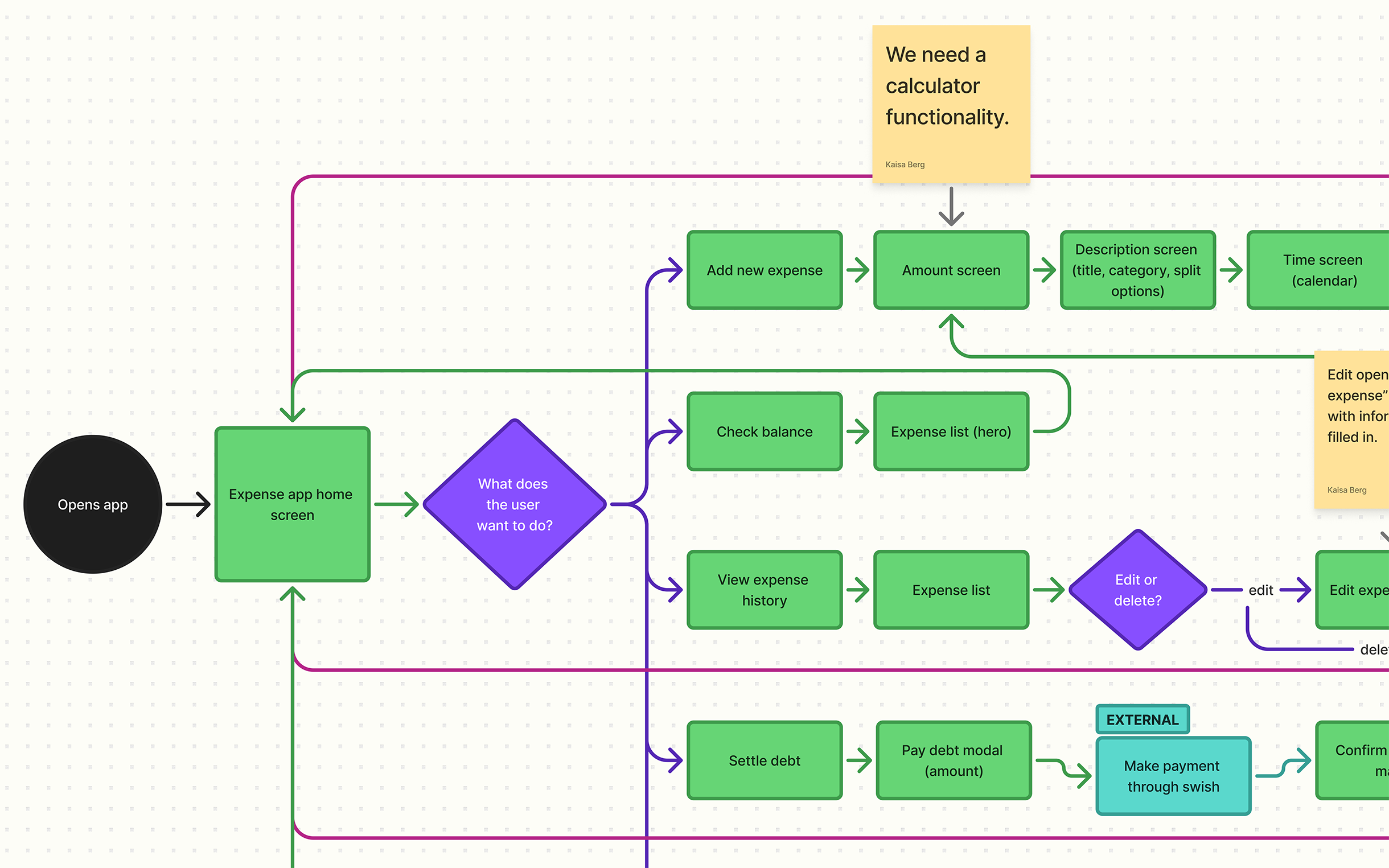
Prototype first, design second
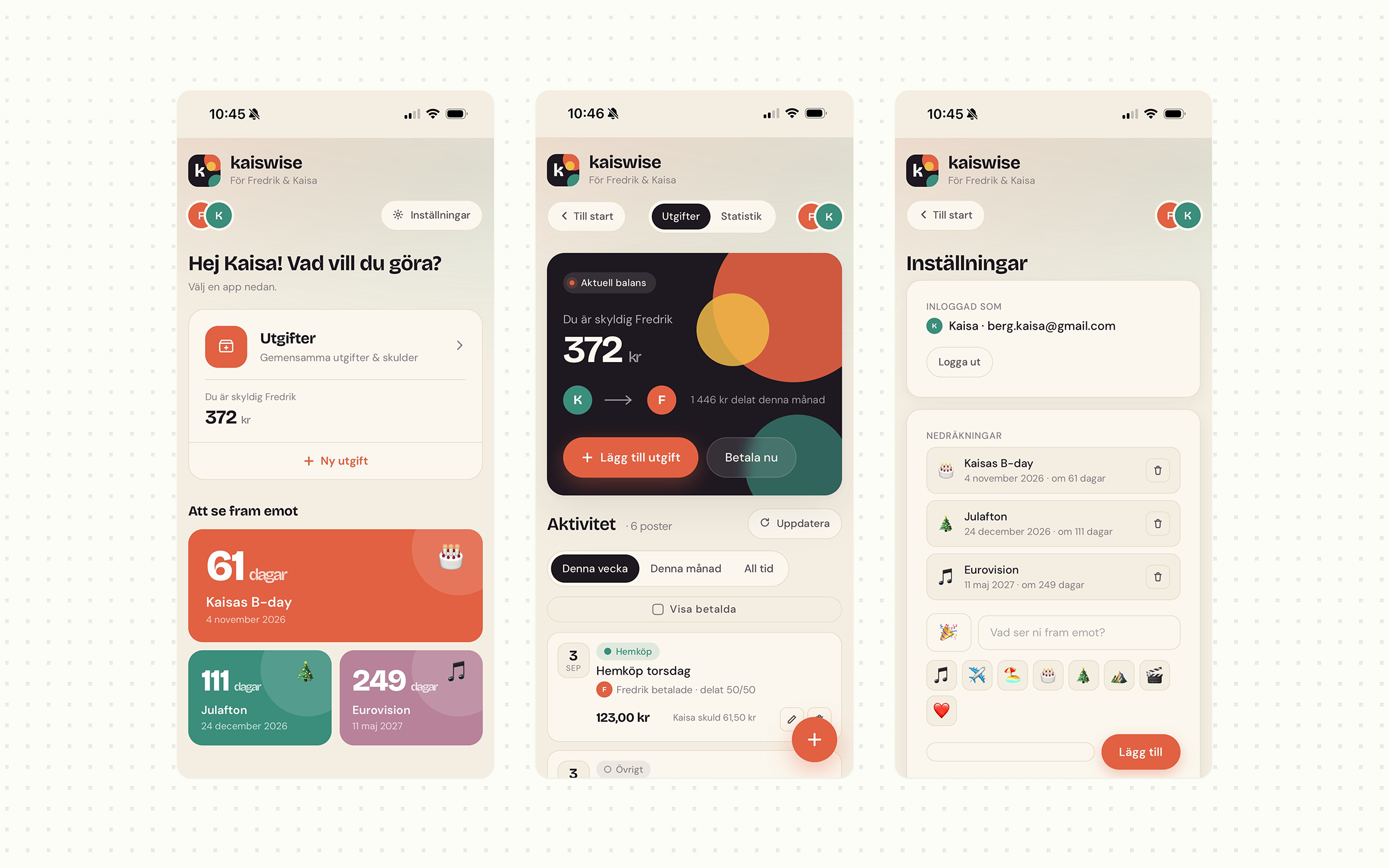
Fredrik built the first version without a design brief, so Claude picked its own look: warm neutrals, cream, dark navy and terracotta. It proved the features and the flow. We used it for weeks and added what we missed, like categories, suggested descriptions and automatic category picking from keywords.
A palette and type of our own
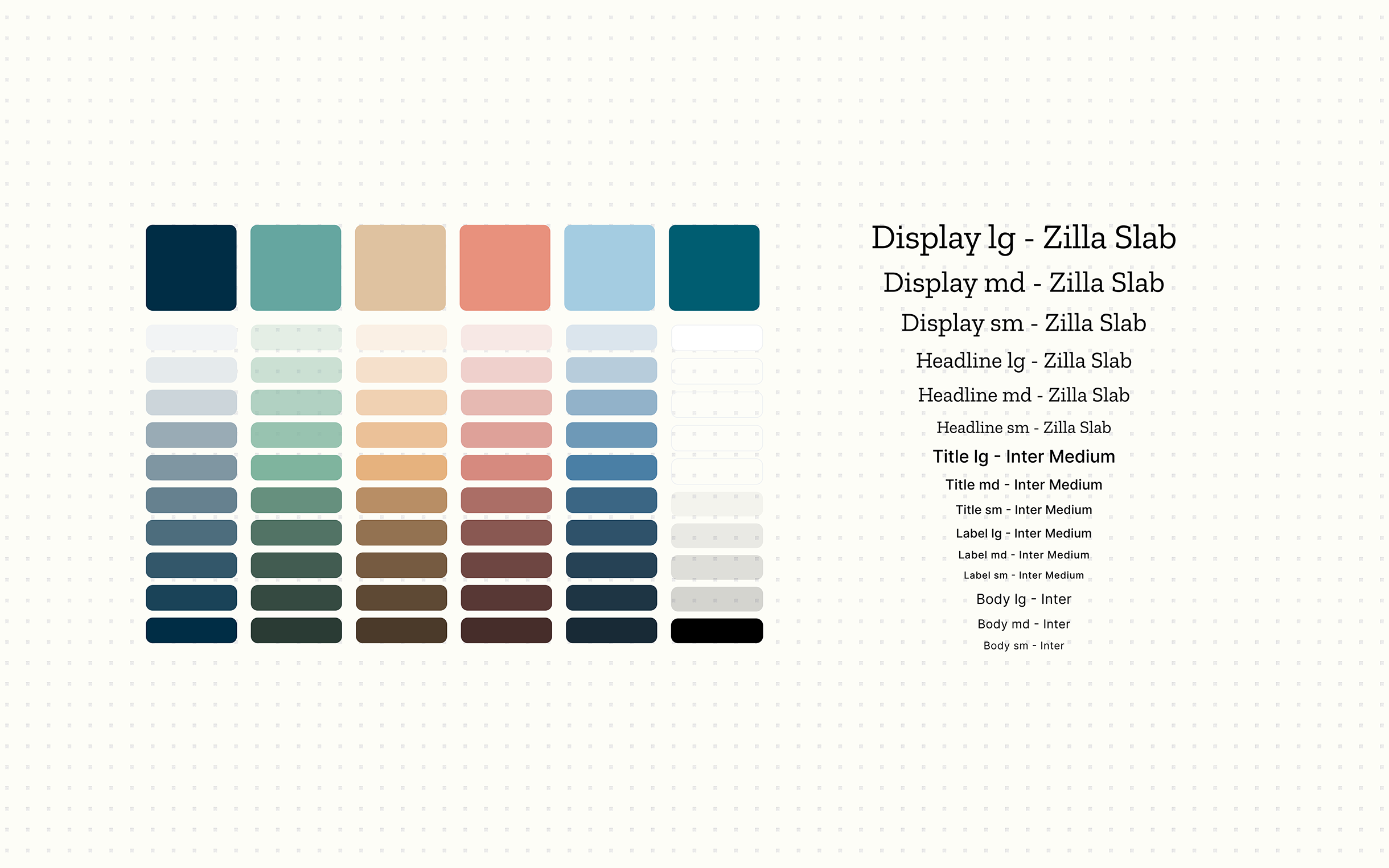
To move away from the default Claude look, I made a colder, ocean-inspired palette: deep teal-navy, terracotta, warm sand, muted rose and mustard yellow. Zilla Slab gives the headings an editorial character, and Inter keeps the body text easy to read.
Illustrations that tell you who owes
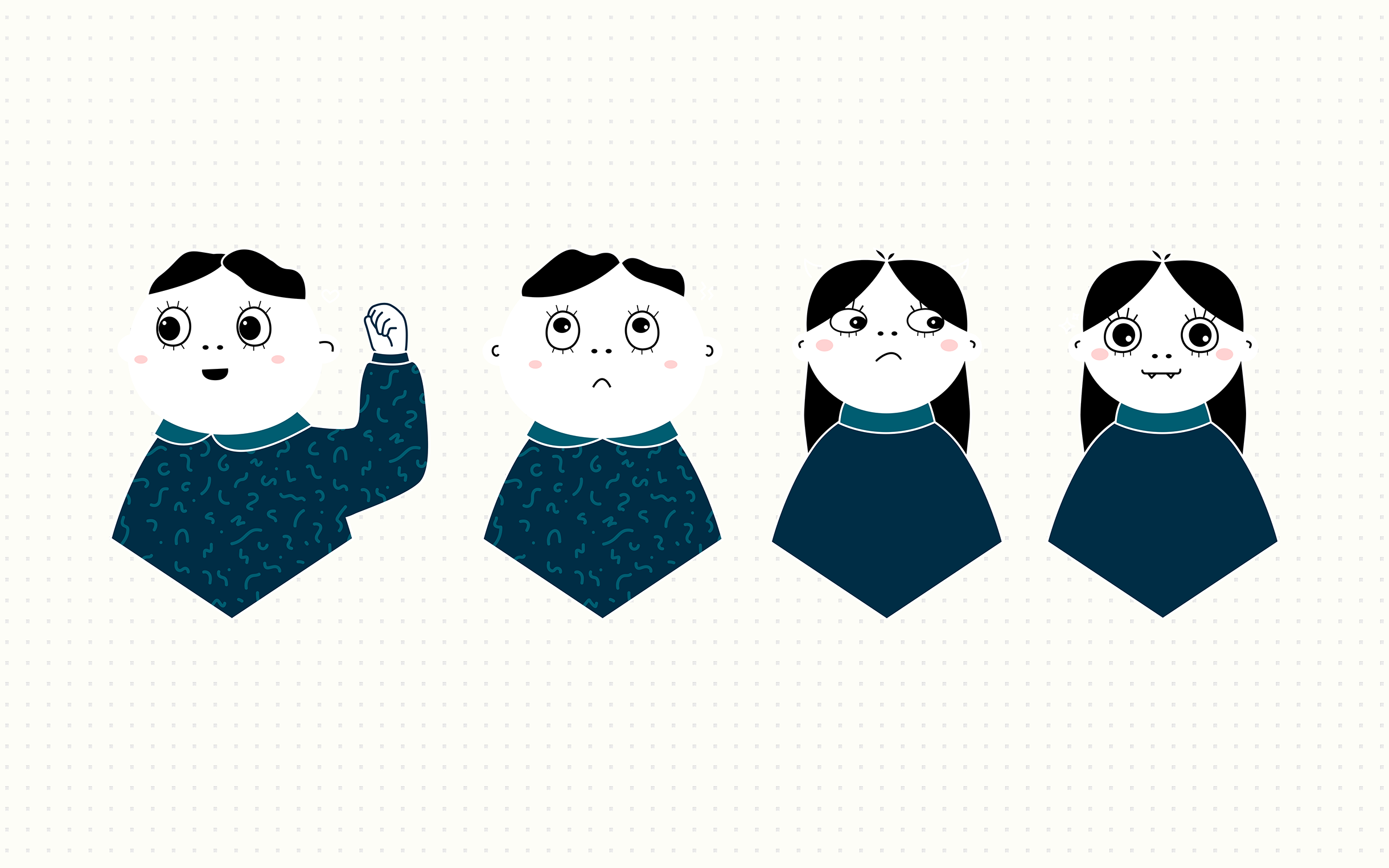
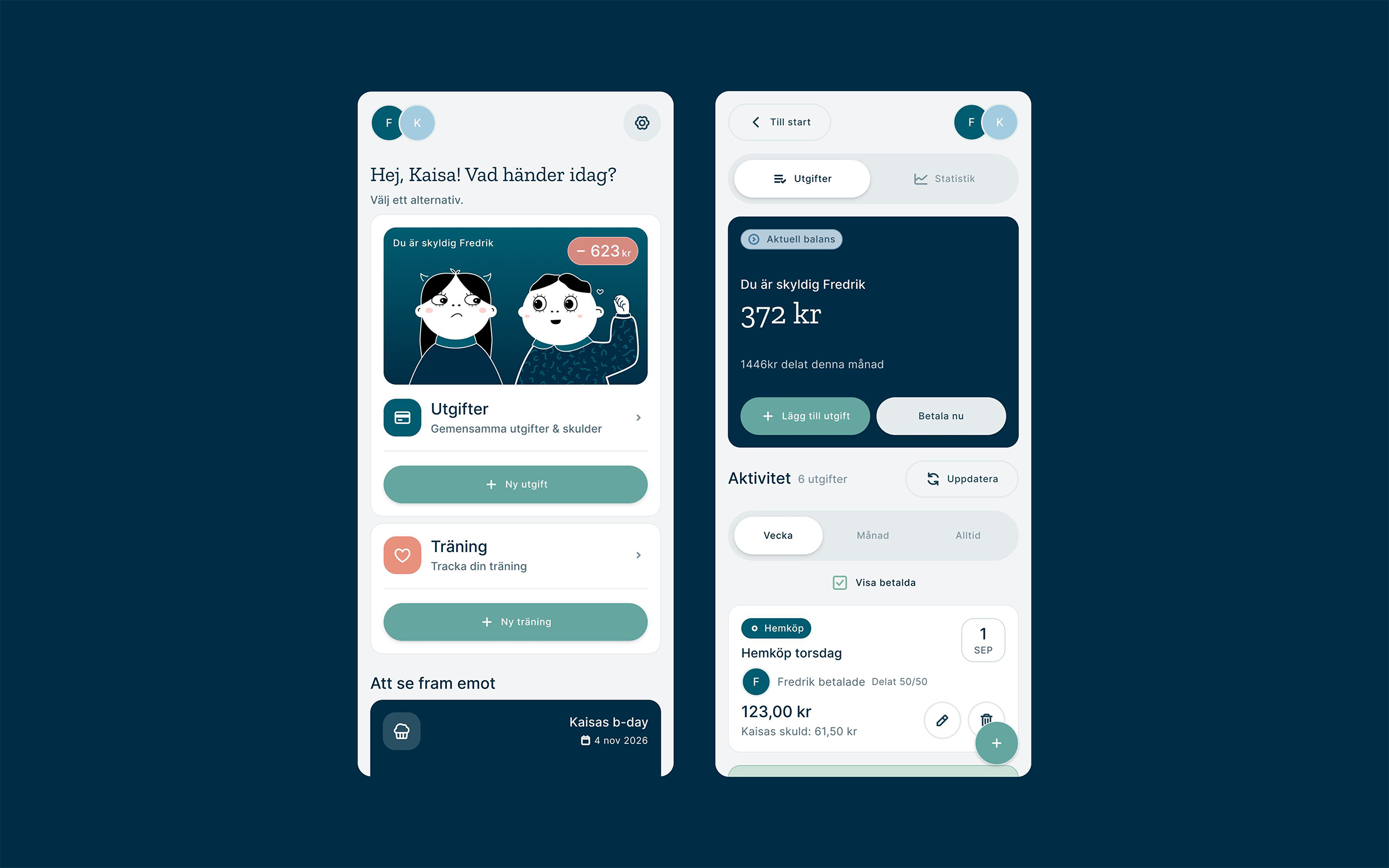
I drew illustrated versions of the two of us, inspired by Spöket Laban. The balance card changes its illustration depending on who owes money, which turns a utility into a shared joke. A consistent icon set, Coolicons, replaced the default icons.
What we left out
Groups and multiple accounts: the app is for two people, and invite logic would have doubled the complexity for a feature we would never use. A direct Swish integration: API access needs a paid business account and legal agreements. Instead, a Betala nu button shows the amount to send, and we finish the transfer in Swish ourselves.
The redesign is the version we use every day.
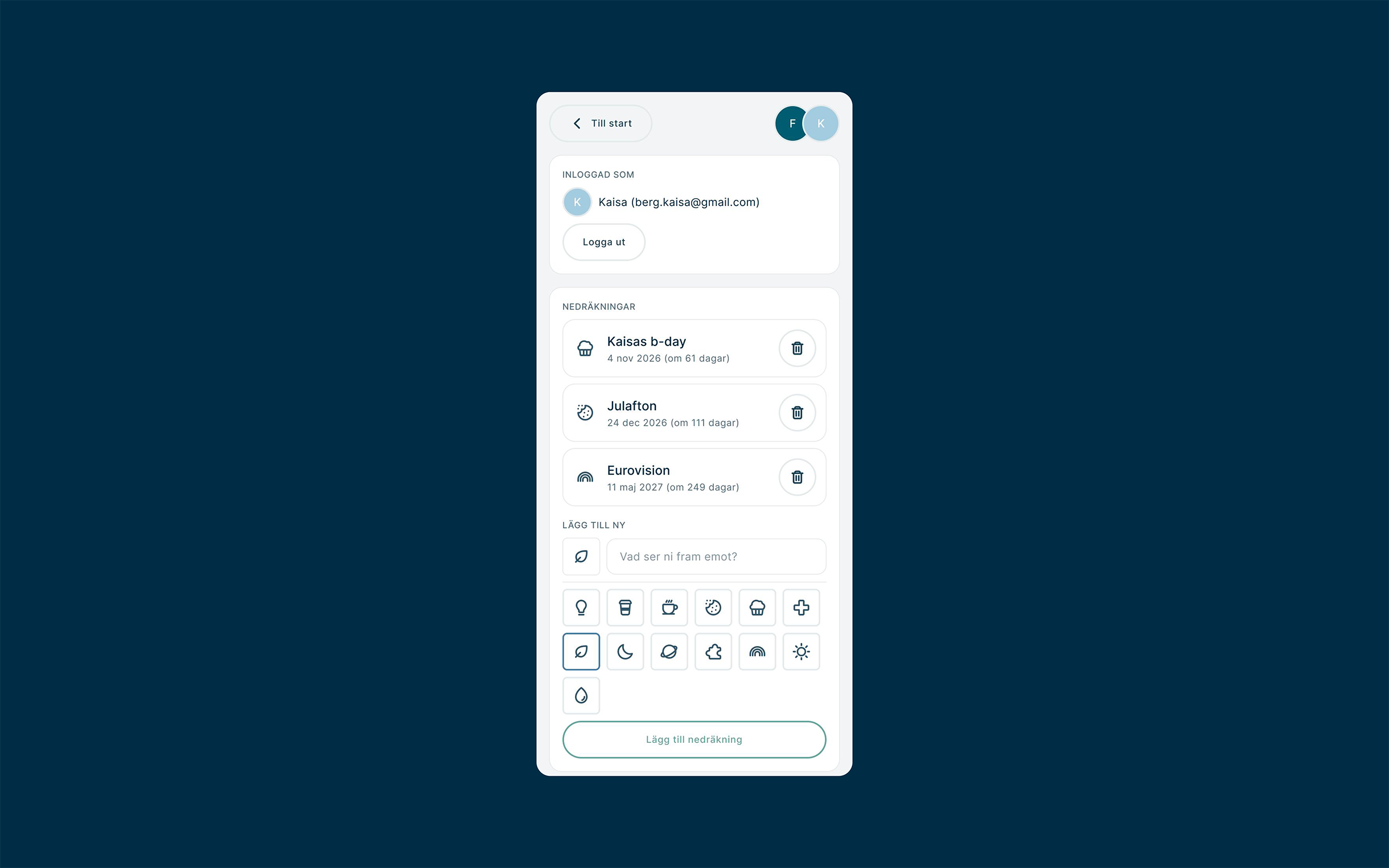
App · MobileA mini design system holds it together: tokens for colour, type, spacing and radius, plus buttons, cards, list items and form fields. Probably too much for a two-person app, but it made iterating easy. Fredrik rebuilt the app to match the Figma screens, with the same features and a slightly tweaked flow.
A working prototype is the best design brief.
AI tools have made personal apps possible for a household: two people, a kitchen-table session and a subscription. Using Claude's prototype for weeks validated the features and flow before any visual design started. A homemade app lacks things real apps have, like payments, automatic sync and proper backups. For a personal project between us, that's enough.